
Wearables · BUYING GUIDE
Find a watch you will keep wearing
Start with phone compatibility, then choose between everyday convenience and training tools.
Product examples from our catalog. Buying advice, not a hands-on review.
THE QUICK ANSWER
Start here.
Check compatibility with your current phone before comparing features. Then decide whether you mainly want notifications, workout tracking or training tools, and choose a watch that fits your wrist and charging routine.
Explore wearablesWhat matters for your use?
Everyday convenience
Notifications, controls and features supported by your phone.
Regular workouts
Comfort, readable workout screens and the activity modes you will use.
Outdoor training
Navigation requirements, GPS-mode endurance and useful training data.
01 / MAKE A CLEARER CHOICE
Compatibility is the first filter
Apple publishes model-specific iPhone and software requirements for Apple Watch. Check the equivalent compatibility page for whichever watch you are considering, including companion-app requirements.
Confirm the features you want work with your phone: notifications, replies, calls and syncing may have different restrictions. If you plan to change phones, consider whether the watch will still suit that setup.
Source: Apple: Watch and iPhone compatibility02 / MAKE A CLEARER CHOICE
Pick a job for the watch
Write down three reasons you will wear it. A watch used for quick notifications and a watch used to plan training do not need the same feature list.
Look at screenshots of the app and workout screens. Ask what you will do with the data after a session. Extra measurements add little value if the information is difficult to find or interpret.
03 / MAKE A CLEARER CHOICE
Choose for a full day on your wrist
Try the case size and strap, especially if you want to wear the watch overnight. Check the stated wrist-size range, replacement strap availability and whether the controls are comfortable during exercise.
Think about how you will read it outdoors and operate it with sweaty hands. If practical, try starting, pausing and ending the activity you do most often.
04 / MAKE A CLEARER CHOICE
Compare battery in the mode you need
Separate everyday smartwatch battery claims from GPS workout figures. Look at the conditions for always-on display, calls and other enabled features rather than comparing the largest advertised number.
Choose a charging routine you can maintain. Check the included charging accessory and how you would replace it. For long activities, leave margin beyond the stated length of the session.
05 / MAKE A CLEARER CHOICE
Check feature access and ongoing costs
Verify the exact feature availability for your model, phone and region on the manufacturer’s site. If one feature is the main reason you are buying, confirm it before checkout rather than relying on a general product-family page.
Check whether the app features you want require a subscription, whether cellular use needs a supported plan, and whether you can export your activity history. Add those costs to the purchase decision.
Easy mistakes to avoid
- Buying before checking phone and software compatibility.
- Comparing a low-power battery claim with another watch’s GPS workout time.
- Assuming every advertised feature works on every phone and in every country.
Before you buy
0/5 checkedA checklist for your shortlist. Your progress is saved on this browser when storage is available.
Take it into your budget.
Use these ranges to narrow the catalog, then compare the exact variants.
A starting point in each range
Catalog examples, not ranked recommendations. Reference prices checked 18 Oct 2026; confirm current price and stock at the source.
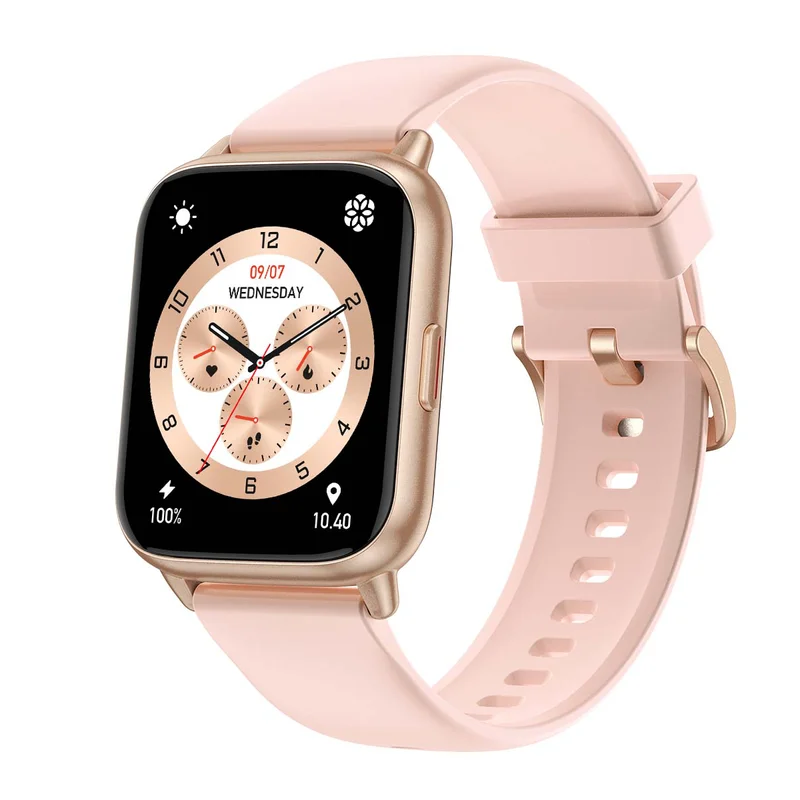
Amazfit Pop 2
Pink
₹3,999 Listed priceView details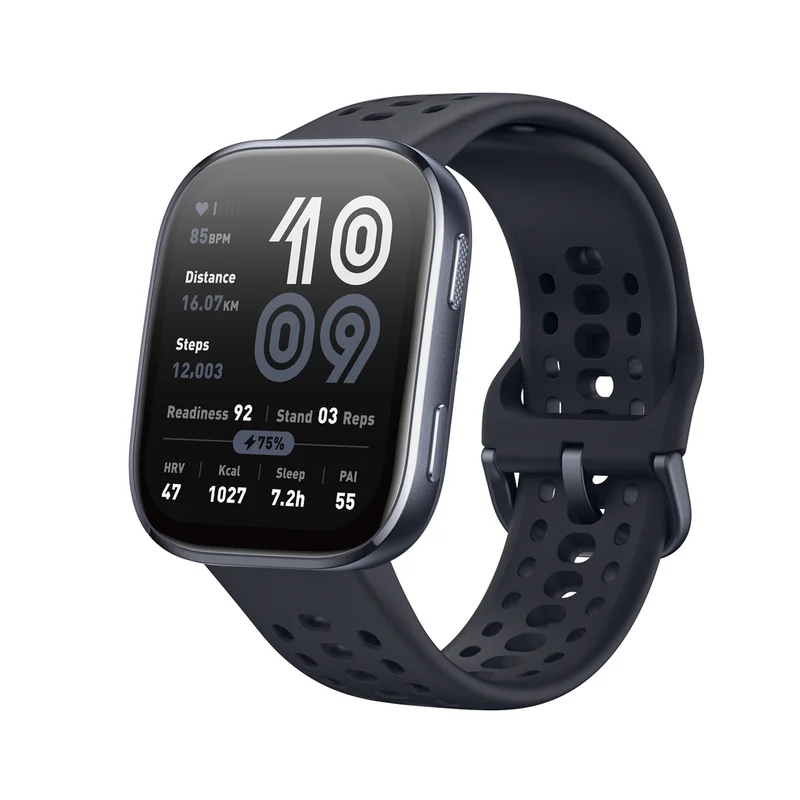
Amazfit Bip 6
Black
₹8,999 Listed priceView details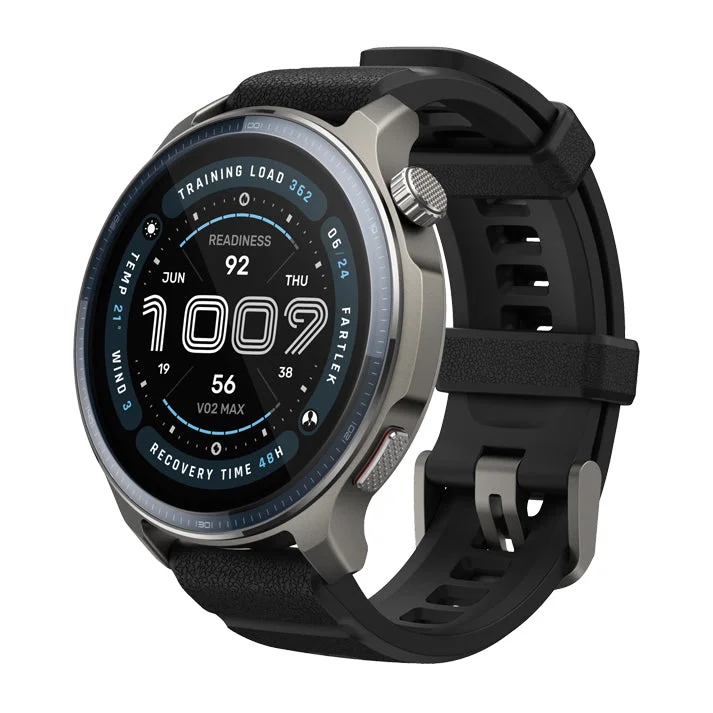
Amazfit Balance 2
Black (with additional Lava strap)
₹21,999 Listed priceView details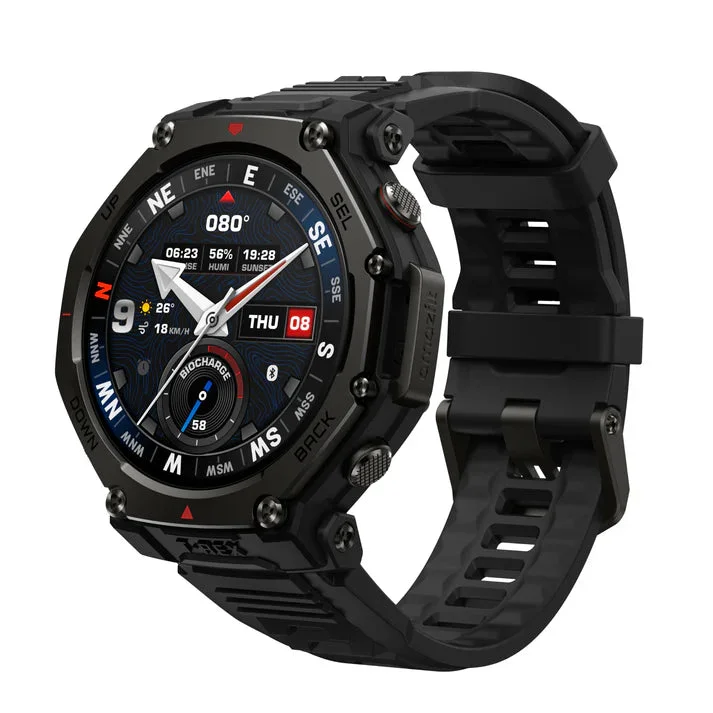
Amazfit T-Rex 3 Pro
Tactical Black (48mm)
₹33,499 Listed priceView detailsCommon questions
Do I need a cellular watch?
Start with whether you want supported connected features while away from your phone. Check model, carrier and plan support, then include the recurring cost. If your phone is usually with you, compare what the non-cellular version already does.
Is a fitness watch the same as a smartwatch?
There is overlap, but the emphasis differs. Compare the activities, app tools, notifications and charging pattern you actually need rather than relying on the label.
Sources & method
Prepared by 4TECHLoverz using the official references below and practical comparison criteria. Technical references checked 18 Oct 2026. Examples come from our sourced catalog; inclusion does not claim we tested a product.
Exact watch, phone and software combinations.