
TVs · BUYING GUIDE
Choose a TV that fits your room
Make sense of size, picture quality, gaming features and the cost of getting it installed.
Product examples from our catalog. Buying advice, not a hands-on review.
THE QUICK ANSWER
Start here.
Measure the space and viewing position first. Then choose for the light in your room and the content you watch, checking the exact screen size and model rather than the series name alone.
Explore tvsWhat matters for your use?
Family viewing
Seating angles, familiar apps, clear dialogue and the remote.
Films & series
Picture behaviour in your room, dark-scene detail and your streaming sources.
Console gaming
The supported resolution and refresh rate on the actual HDMI input you will use.
01 / MAKE A CLEARER CHOICE
Measure the installation, not just the diagonal
Measure the available width, furniture depth and your usual seating distance. Check stand-foot spacing, wall clearance and access to sockets. A diagonal screen measurement does not tell you whether the stand fits your unit.
Mark the proposed screen outline with removable tape before buying. Include the people sitting off-centre and note where windows or lights reflect at your usual viewing time.
02 / MAKE A CLEARER CHOICE
Treat picture labels as a starting point
Samsung’s guide distinguishes display technologies, resolution and HDR as separate considerations. A panel label by itself does not describe every aspect of picture quality.
Watch a mix of bright and dark scenes from content you recognise. Compare the exact model and size, and ask to leave the store demo loop. Choose based on your room and budget rather than assuming one technology wins every situation.
Source: Samsung: TV buying guide03 / MAKE A CLEARER CHOICE
Match the inputs to your devices
List your console, set-top box, soundbar and any other sources. Confirm enough ports remain accessible after wall mounting, especially if one is used for the sound system.
For gaming, check native panel refresh rate and supported resolution/refresh combinations on the exact inputs. Read the manual rather than treating a marketing motion number as the panel specification.
04 / MAKE A CLEARER CHOICE
Check the ordinary evening experience
Confirm the apps your household uses are available for the India model. Try navigating the home screen, changing inputs and finding subtitles. Keep the remote and accessibility controls in the comparison.
Listen to dialogue at the volume you normally use. If you already have a soundbar, check the supported connection. Add any audio upgrade to the total budget before spending everything on the screen.
05 / MAKE A CLEARER CHOICE
Agree on delivery and installation
Check installation charges, wall-mount inclusion, mounting-surface requirements and who arranges the appointment. Confirm the process for reporting transit damage or an initial panel fault.
Keep the exact model code and screen size on the invoice. Ask about panel coverage separately from other warranty terms, and avoid assuming an imported listing has the same local service support.
Easy mistakes to avoid
- Buying a screen that fits the wall but whose stand does not fit the furniture.
- Assuming all sizes in a TV series use the same panel or ports.
- Leaving installation and audio costs out of the budget.
Before you buy
0/5 checkedA checklist for your shortlist. Your progress is saved on this browser when storage is available.
Take it into your budget.
Use these ranges to narrow the catalog, then compare the exact variants.
A starting point in each range
Catalog examples, not ranked recommendations. Reference prices checked 18 Oct 2026; confirm current price and stock at the source.
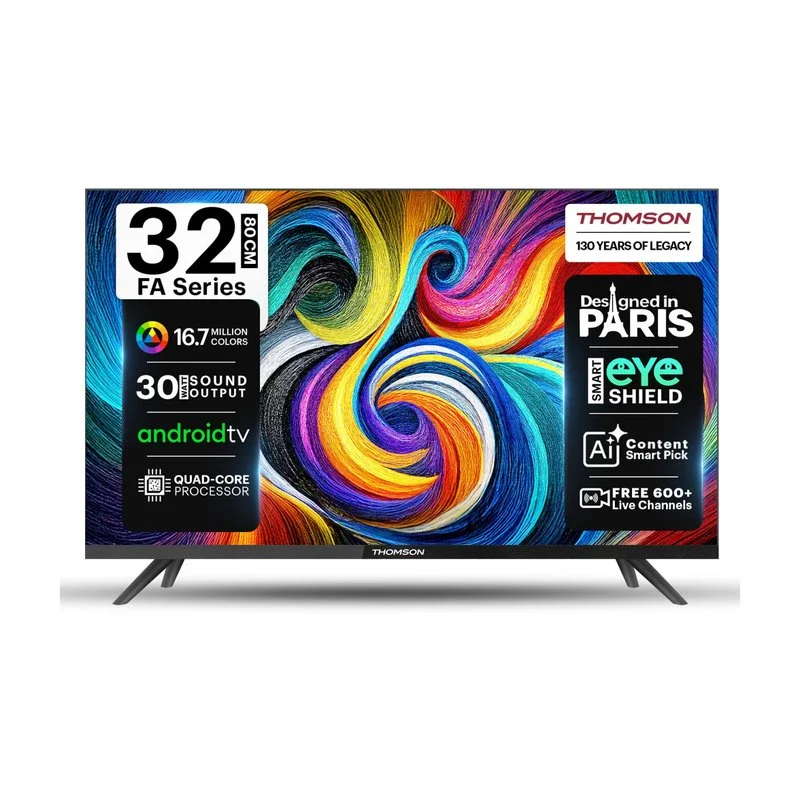
Thomson FA Series 32-inch HD Ready LED Smart Android TV
32-inch, HD Ready (1366 x 768), LED
₹9,599 Listed priceView details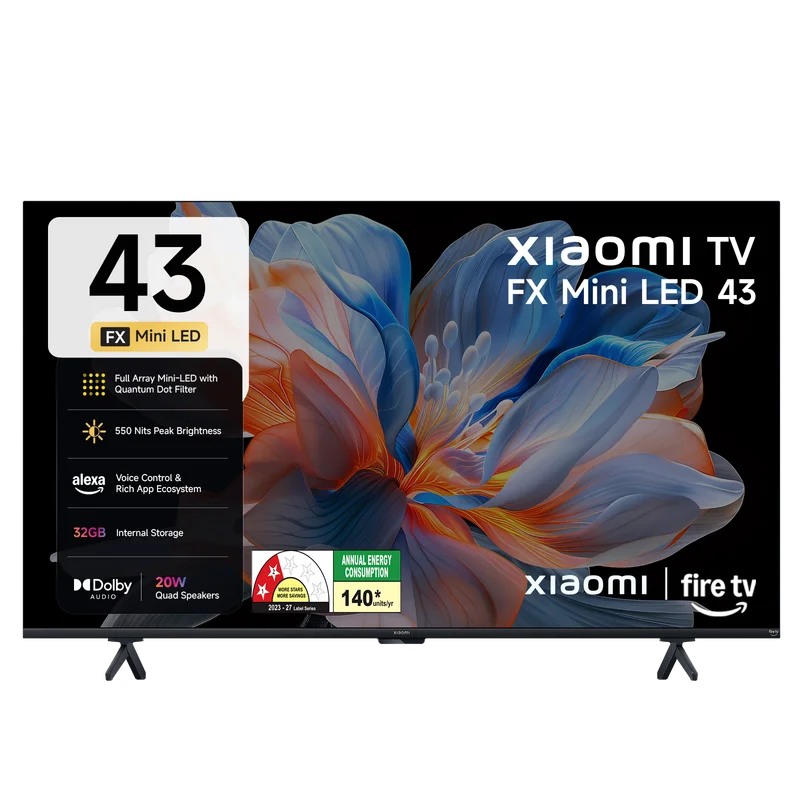
Xiaomi FX Mini LED 43
43-inch Mini LED
₹32,999 Listed priceView details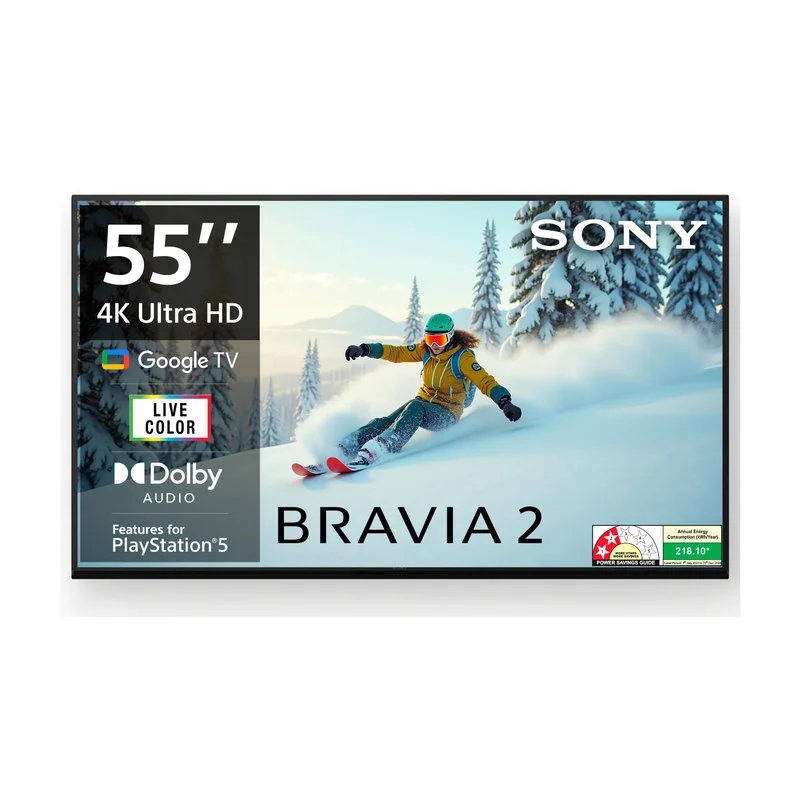
Sony Bravia 2 55-inch Ultra HD (4K) LED Smart Google TV
55-inch, Ultra HD (4K) (3840 x 2160), LED
₹52,999 Listed priceView details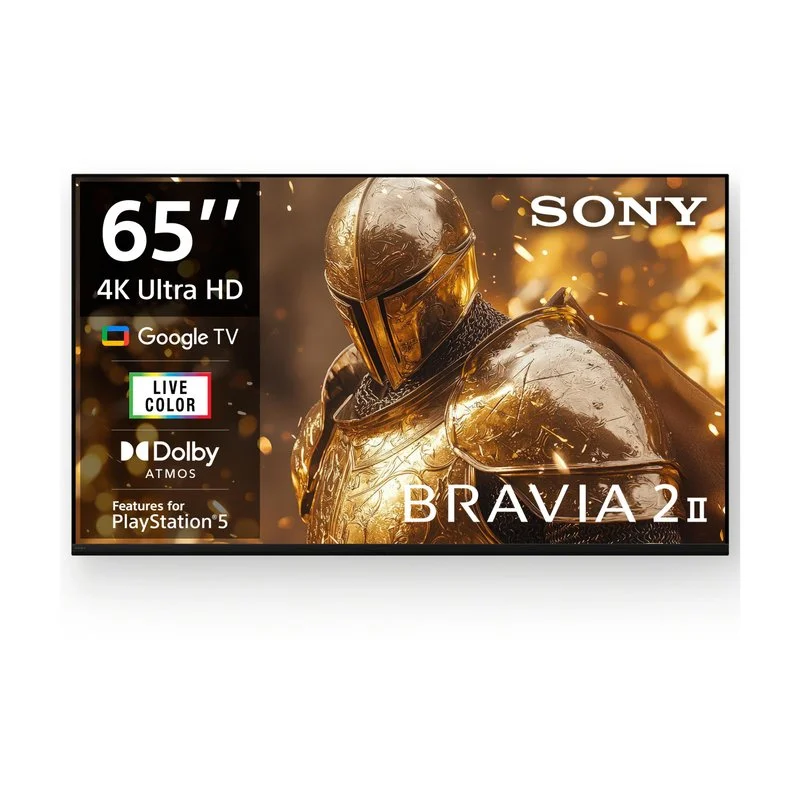
Sony BRAVIA 2 II 65-inch Ultra HD (4K) LED Smart Google TV
65-inch, Ultra HD (4K) (3840 x 2160 pixels), LED
₹82,999 Listed priceView detailsCommon questions
Should I buy a bigger screen or a better panel?
First choose a size that works for your seating and furniture. Within that range, compare how the picture behaves with your content and room lighting. Avoid spending on size that makes the installation awkward.
Does every TV in the same series have the same features?
Do not assume so. Compare the specification and manual for the exact model code and screen size, especially panel refresh rate, input capabilities and stand dimensions.
Sources & method
Prepared by 4TECHLoverz using the official references below and practical comparison criteria. Technical references checked 18 Oct 2026. Examples come from our sourced catalog; inclusion does not claim we tested a product.
Picture, display technology, size, smart features and sound. Check India model details separately.