
Laptops · BUYING GUIDE
Buy a laptop for your actual workload
Start with your apps, then balance performance, screen, portability and upgrade options.
Product examples from our catalog. Buying advice, not a hands-on review.
THE QUICK ANSWER
Start here.
List the apps you must run and where you will use them. Check their requirements first, then compare the complete laptop configuration—including screen, memory and ports—within your total budget.
Explore laptopsWhat matters for your use?
Study & office
Required apps, keyboard, screen, webcam and a manageable carrying weight.
Creative work
Your editing software, project sizes, display needs and storage workflow.
Gaming
Performance in your games, GPU configuration, cooling and the power adapter.
01 / MAKE A CLEARER CHOICE
Let your software set the starting point
List required college, office or creative applications, including plug-ins and peripherals. Check their operating-system and hardware requirements on the developer’s site. Ask your employer or course provider about any restrictions.
Think about a typical busy session: video call, browser tabs, a spreadsheet and whatever you keep open in the background. This is more useful than choosing a processor badge before you know the work.
02 / MAKE A CLEARER CHOICE
Compare the complete configuration
Intel’s laptop buying guidance separates CPU, GPU, display, memory and storage because they affect different jobs. It also notes that upgrade access varies by laptop design.
Treat the RAM capacity, SSD size, graphics option and display specification as part of the model name. Confirm whether memory is soldered, which slots are available and what the service manual allows before planning an upgrade.
Source: Intel: choosing a gaming laptop03 / MAKE A CLEARER CHOICE
Remember the parts you touch all day
Read the display specification for the exact variant. A series name may cover several panels. For work, think about workspace and readability; for creative tasks, check the display requirements of your workflow rather than assuming every high-resolution screen is suitable.
Try the keyboard and trackpad if possible. Check webcam placement, microphone samples and how many adapters you need for your monitor, network or presentation setup.
04 / MAKE A CLEARER CHOICE
Budget for the bag as well as the desk
Compare the laptop together with the charger you will carry. Decide whether you are buying a desk-based machine or something you will take to class every day.
Battery figures are only useful with their test conditions. Look for a workload resembling yours and leave room in your routine for charging. Check which ports support charging and whether a smaller adapter is supported before relying on one.
05 / MAKE A CLEARER CHOICE
Check what ownership will cost
Include required software, a bag, external storage and any dock or adapters in the budget. Check whether the advertised office software is a trial, subscription or included licence.
Confirm the exact model code, India warranty, service options and replacement terms. Ask who handles an initial fault and keep the invoice and configuration details together.
Easy mistakes to avoid
- Buying by processor family while overlooking the screen or memory configuration.
- Assuming every model in a series has upgradeable RAM.
- Ignoring the charger weight and adapters needed for daily travel.
Before you buy
0/5 checkedA checklist for your shortlist. Your progress is saved on this browser when storage is available.
Take it into your budget.
Use these ranges to narrow the catalog, then compare the exact variants.
A starting point in each range
Catalog examples, not ranked recommendations. Reference prices checked 18 Oct 2026; confirm current price and stock at the source.
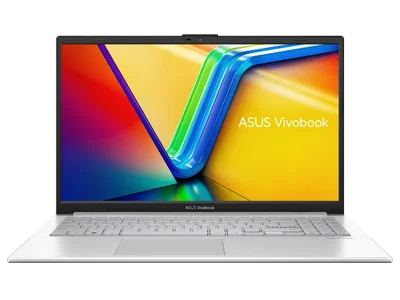
ASUS Vivobook Go 15
E1504F series · configuration selector
₹48,990 Starting priceView details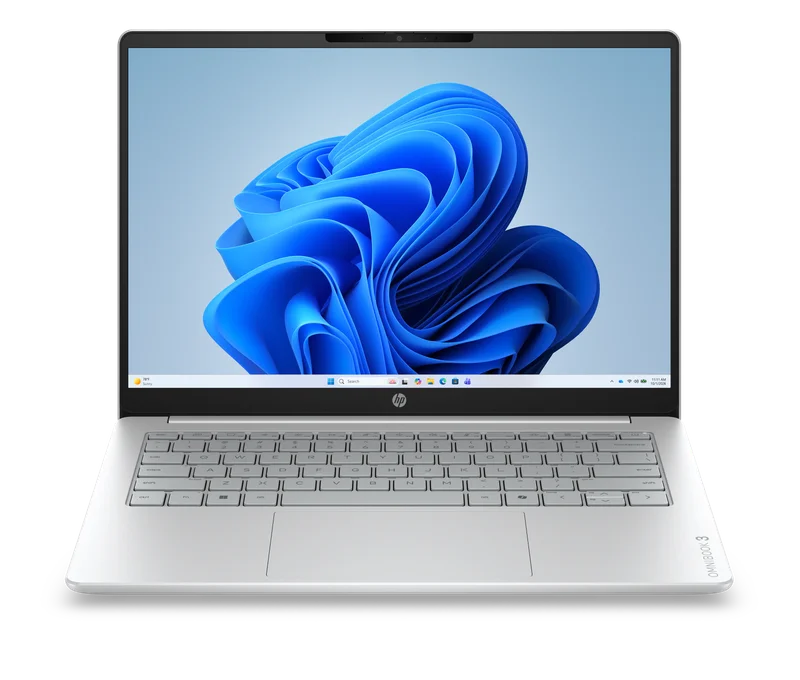
HP OmniBook 3 14
E5SM2PA#ACJ · Intel® Core™ 3 - 304 · 8 GB RAM / 512 GB SSD
₹72,999 Listed priceView details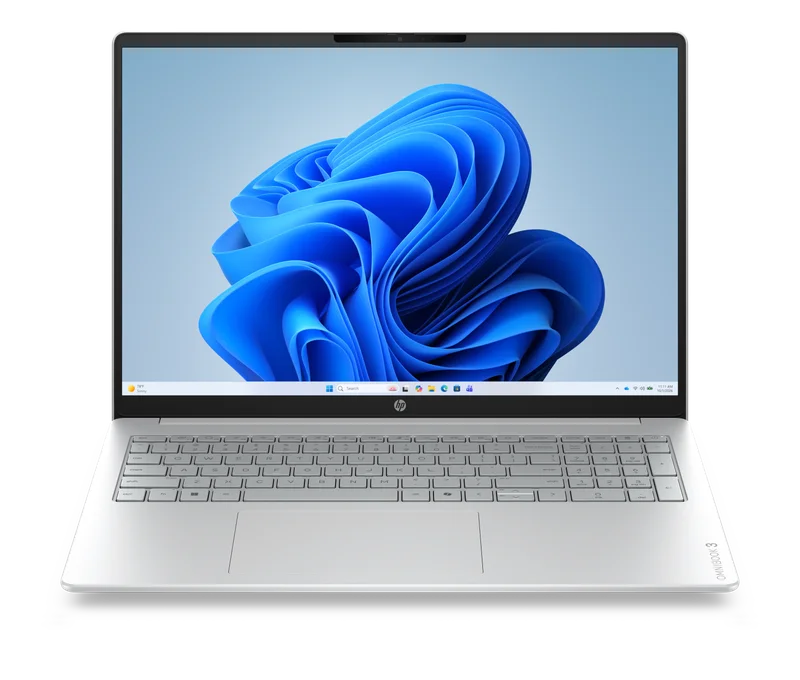
HP OmniBook 3 16 AMD
DR0Y4PA#ACJ · AMD Ryzen™ 5 - 40 · 16 GB RAM / 1 TB SSD
₹88,999 Listed priceView details
Apple MacBook Air M5
M5 series · base configuration
₹1,49,900 Starting priceView detailsCommon questions
Should I buy a gaming laptop for college?
If your games or course software need the graphics hardware, compare those benefits with carrying weight, charger size and your charging routine. For mostly documents and browsing, prioritise the parts of the machine you will use all day.
Can I add more memory later?
Only if the exact model supports it. Check soldered memory, available slots, supported capacity and service instructions. Do not rely on another laptop with a similar name.
Sources & method
Prepared by 4TECHLoverz using the official references below and practical comparison criteria. Technical references checked 18 Oct 2026. Examples come from our sourced catalog; inclusion does not claim we tested a product.
Hardware roles and model-dependent upgrade options.