
Accessories · BUYING GUIDE
Buy accessories that actually work together
Avoid mismatched chargers, limited cables and docks that cannot do what your setup needs.
Product examples from our catalog. Buying advice, not a hands-on review.
THE QUICK ANSWER
Start here.
Write down the exact device and connection you need. For charging, match the supported protocol, power and cable; for a dock, check the laptop port, displays and operating system as one setup.
Explore accessoriesWhat matters for your use?
Charging
Device requirements, supported charging protocol and the correct cable.
Travel power
Useful output, weight, ports and the power bank’s stated energy rating.
Desk setup
Display support, data connections, power needs and OS compatibility.
01 / MAKE A CLEARER CHOICE
The connector shape is only the beginning
Check the role of every port in the setup. A connection that physically fits may not provide the charging, display output or data speed you need.
Write a short chain before shopping: laptop model, port, dock or cable, monitor and required display mode. For peripherals, confirm operating-system support and any required software.
02 / MAKE A CLEARER CHOICE
Match the charging system
USB Power Delivery is a defined charging specification. Check whether your device and charger support the same relevant charging modes, then choose a cable rated for the intended power.
USB-IF documents separate cable power capabilities, so do not use cable thickness or connector shape as your rating guide. Read the cable specification and the device manufacturer’s charging requirements.
Source: USB-IF: USB Power Delivery04 / MAKE A CLEARER CHOICE
Choose portable power you will carry
Compare size and weight alongside capacity. Check the output for charging your devices and the input for recharging the power bank itself; both matter during travel.
Read the manufacturer’s stated energy and output specifications rather than calculating an exact number of phone charges from mAh alone. If you plan to fly, check the airline’s current rules against the product’s labelled Wh rating before travel.
05 / MAKE A CLEARER CHOICE
Confirm the whole desk setup
For a hub or dock, verify supported display count, resolution and refresh rate with your exact laptop and operating system. Check whether video needs a particular port capability, driver or separate power supply.
Look for the included cable, warranty and a clear seller return policy for compatibility problems. Buy after confirming the exact use case, especially for an expensive dock that will be central to your desk.
Easy mistakes to avoid
- Assuming every USB-C cable supports the same charging, video and data features.
- Reading a charger’s combined output as the output from every port.
- Buying a dock without confirming display support on the exact laptop.
Before you buy
0/5 checkedA checklist for your shortlist. Your progress is saved on this browser when storage is available.
Take it into your budget.
Use these ranges to narrow the catalog, then compare the exact variants.
A starting point in each range
Catalog examples, not ranked recommendations. Reference prices checked 18 Oct 2026; confirm current price and stock at the source.
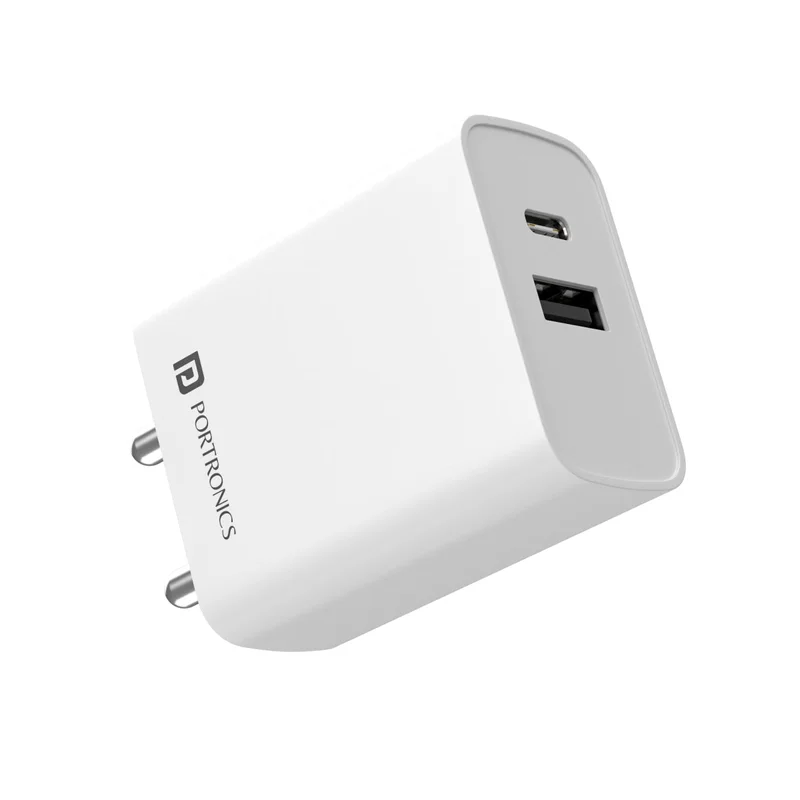
Portronics Adapto 70
White
₹775 Listed priceView details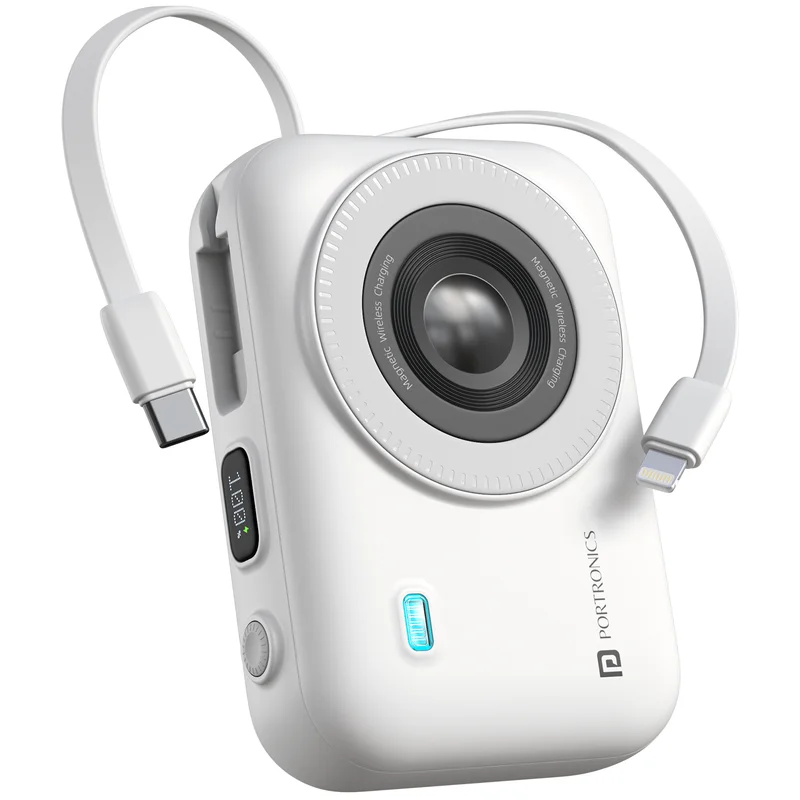
Portronics Power Shutter 20K
White
₹2,349 Listed priceView details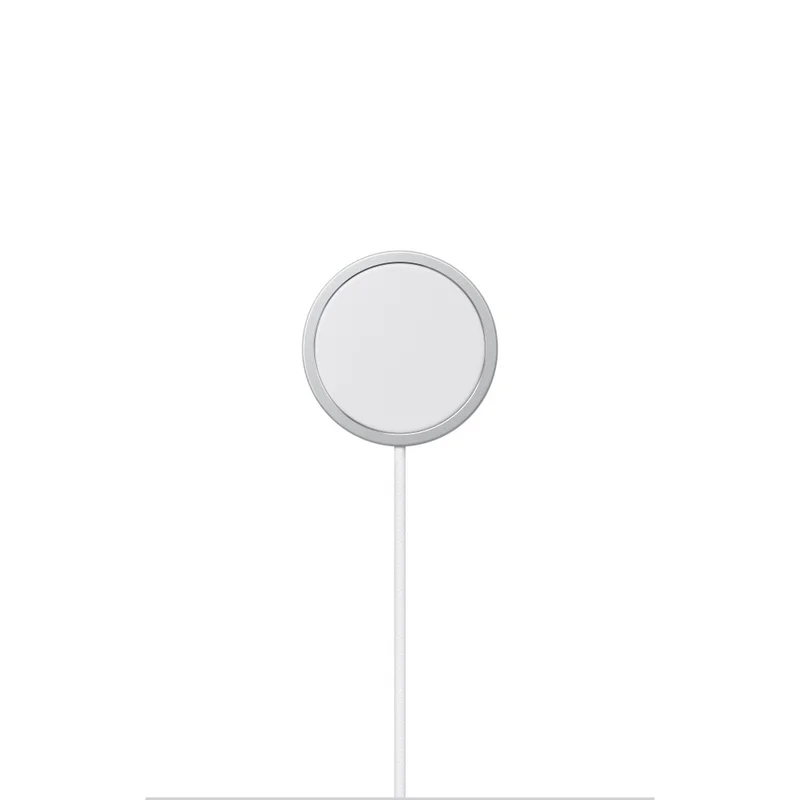
Apple MagSafe Charger
1m cable
₹5,290 Listed priceView details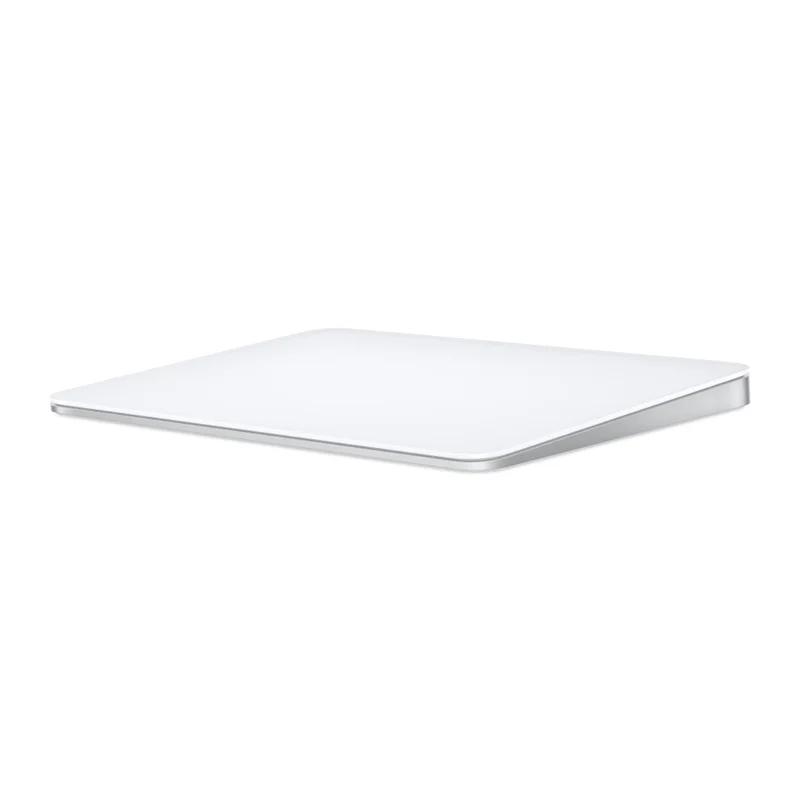
Apple Magic Trackpad
White / USB-C
₹12,500 Listed priceView detailsCommon questions
Will any USB-C charger fast-charge my phone?
Check the phone’s supported charging method, the charger’s output modes and the cable rating. A matching connector or a higher wattage on the box does not establish that your phone will use its fastest charging mode.
Can a charging cable also connect my monitor?
Only if the cable and both devices support the required video connection. Read the explicit video and data specifications; a power rating does not establish display support.
Sources & method
Prepared by 4TECHLoverz using the official references below and practical comparison criteria. Technical references checked 18 Oct 2026. Examples come from our sourced catalog; inclusion does not claim we tested a product.
Charging specification and power capabilities.
Cable certification and power-rating labels.